Recurring billing lets you sell memberships, ongoing services, scheduled replenishments or access to content. It’s appealing because it builds long-term customer relationships, but it demands more careful operations than a one-time sale.
A store can’t automatically bill a subscription just because its payment gateway can save cards. It needs an authorization mechanism, renewal support, status tracking and a way to resolve failed payments.
1. Distinguish between subscription models
Not every business needs the same model. An academy might charge for monthly access; a software company, for a recurring license; a product brand, for scheduled deliveries; an association, for membership dues.
Before choosing plugins, define:
- Billing frequency: monthly, yearly or something else.
- Fixed price, variable price or subject to authorized changes.
- Free trials or welcome discounts.
- Cancellation and renewal policy.
- What happens if a payment fails.
- What the customer gets, or can do, while their subscription is active.
The commercial terms should be easy to understand before the user confirms the purchase.
2. What it means to tokenize a payment method
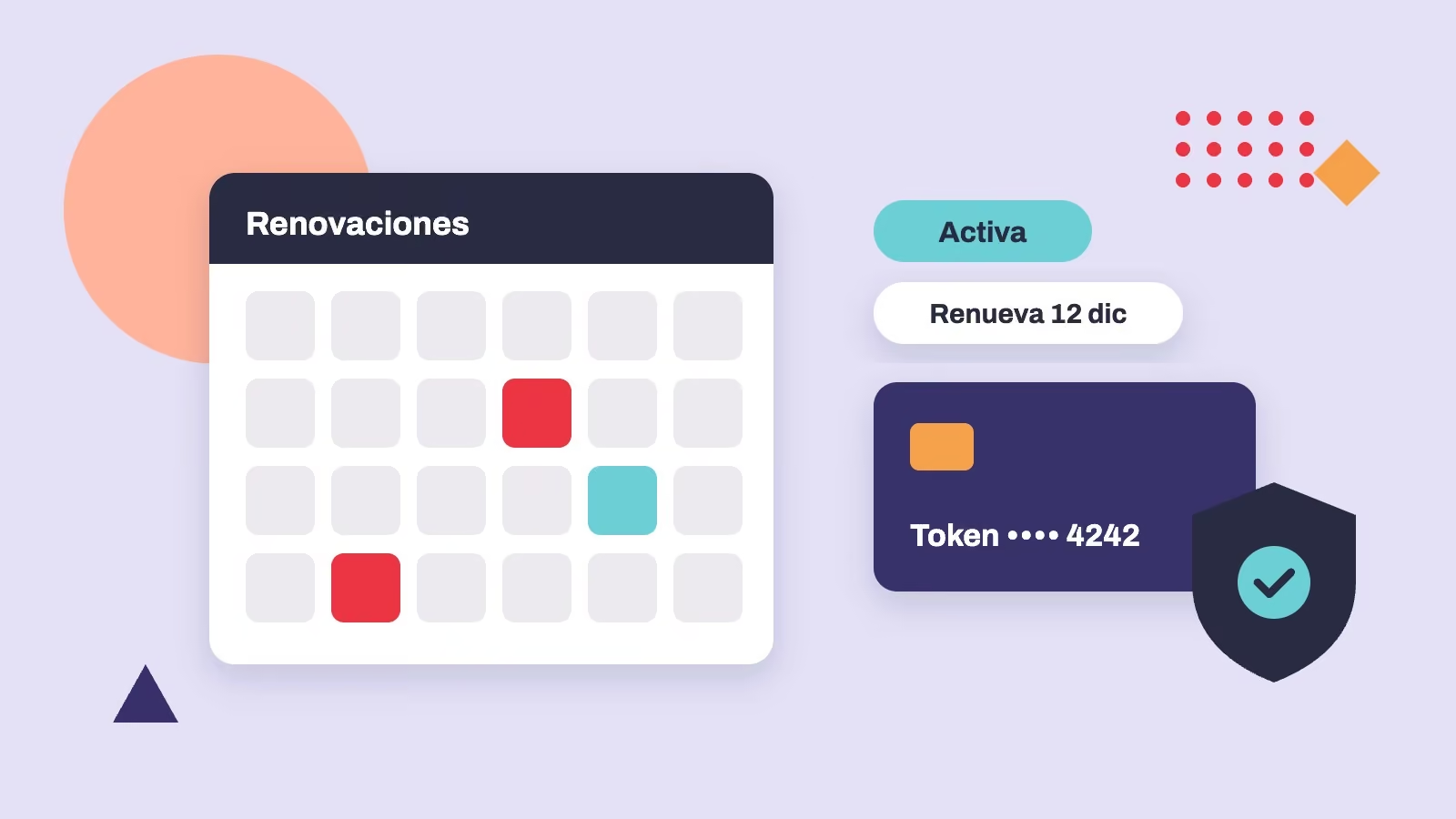
Tokenization uses a reference tied to a payment method for future transactions, instead of requiring the full card details again for every charge. How it’s handled exactly depends on the provider and the integration.
A token doesn’t remove the need to manage access, authorizations, expirations or payment method changes. Nor does it automatically turn any gateway into a renewal processor.
In WooCommerce, subscription extensions can use saved payment methods when the gateway and its features support them. Compatibility should be confirmed in the documentation for each extension and acquirer.
Related serviceE-commerceLearn about the service →3. Automatic vs. manual renewals
An automatic renewal attempts to process the charge on the agreed schedule without the customer having to pay manually each period. A manual renewal creates the pending charge and asks the customer to complete the payment.
Both are valid, but they don’t deliver the same experience. A manual renewal can be reasonable when the available payment method doesn’t support automatic charges; for a service that has to stay active without interruption, that friction can matter a lot.
Make sure renewal orders are created, processor responses are logged and duplicate charges from retries or repeated notifications are prevented.
4. Design the subscriber experience
The account area should let customers review their plan, see their next billing date, update the details they’re allowed to change and request changes or cancellations according to the terms of service.
Automated emails matter too: the initial confirmation, receipts, failed payments, plan changes and renewal reminders where appropriate. Each message should explain what happened and what the customer needs to do.
A poor subscription experience isn’t always a technical problem: it can stem from unclear terms or from not offering a simple way to fix errors.
5. Plan for failed-payment recovery
Cards expire, some banks decline transactions and providers can have temporary issues. Decide what the store will do before suspending a service:
- Accurately log the result of each attempt.
- Send a clear notification without exposing sensitive data.
- Make it easy for the customer to update their payment method.
- Retry only when it’s allowed and makes sense.
- Adjust access or membership status according to rules communicated in advance.
Don’t promise that tokenization prevents declines or guarantees successful charges.
6. Security, consent and tracking
Confirm that the chosen flow meets authentication requirements and your agreements with the processor. When 3D Secure or other verification mechanisms are involved, check how merchant-initiated charges will be handled, as well as the cases that require action from the customer.
Business tracking should distinguish new subscriptions, renewals, declined payments, cancellations and reactivations. Not all of these events should be counted as a new acquisition in your analytics.
To keep these operations healthy, a subscription store needs maintenance, monitoring of scheduled tasks, careful updates and testing after major changes.
7. When a custom solution makes sense
If you need complex plans, corporate invoicing, license syncing or an ERP connection, you may need to extend WooCommerce with a custom integration. First confirm whether your model can be handled with existing tools; customizing for its own sake drives up cost and maintenance.
With recurring payments, the experience, the business rules and the technical operation have to be designed together.
At Royale, we handle these needs through e-commerce development and ongoing technical support, always within the capabilities of your contracted payment processor.
Reference documentation: Payment gateways compatible with WooCommerce Subscriptions · Renewal process.