Once a website goes live, a less visible but critical phase begins: keeping it updated, protected, and available for the users who rely on it. This matters especially in WordPress, where a site brings together core, theme, plugins, integrations, and external services.
Website maintenance isn’t just clicking “Update.” It’s an ongoing process of prevention, review, and improvement that should match the risk and operations of each project. A store that processes orders and an institutional site with no transactions may need very different plans.
1. Handle updates with good judgment
WordPress, themes, and plugins regularly ship bug and security fixes. Leaving components outdated increases risk, but auto-updating everything without checking dependencies can also cause conflicts.
Keep an inventory of components, verify licenses where applicable, and define a process for testing critical changes. On WooCommerce stores, pay close attention to payment gateways, checkout, taxes, transactional emails, and inventory extensions.
Your maintenance schedule should reflect the type of change and its urgency, not a one-size-fits-all promise that every update happens on the same timeline.
2. Design backups you can actually restore
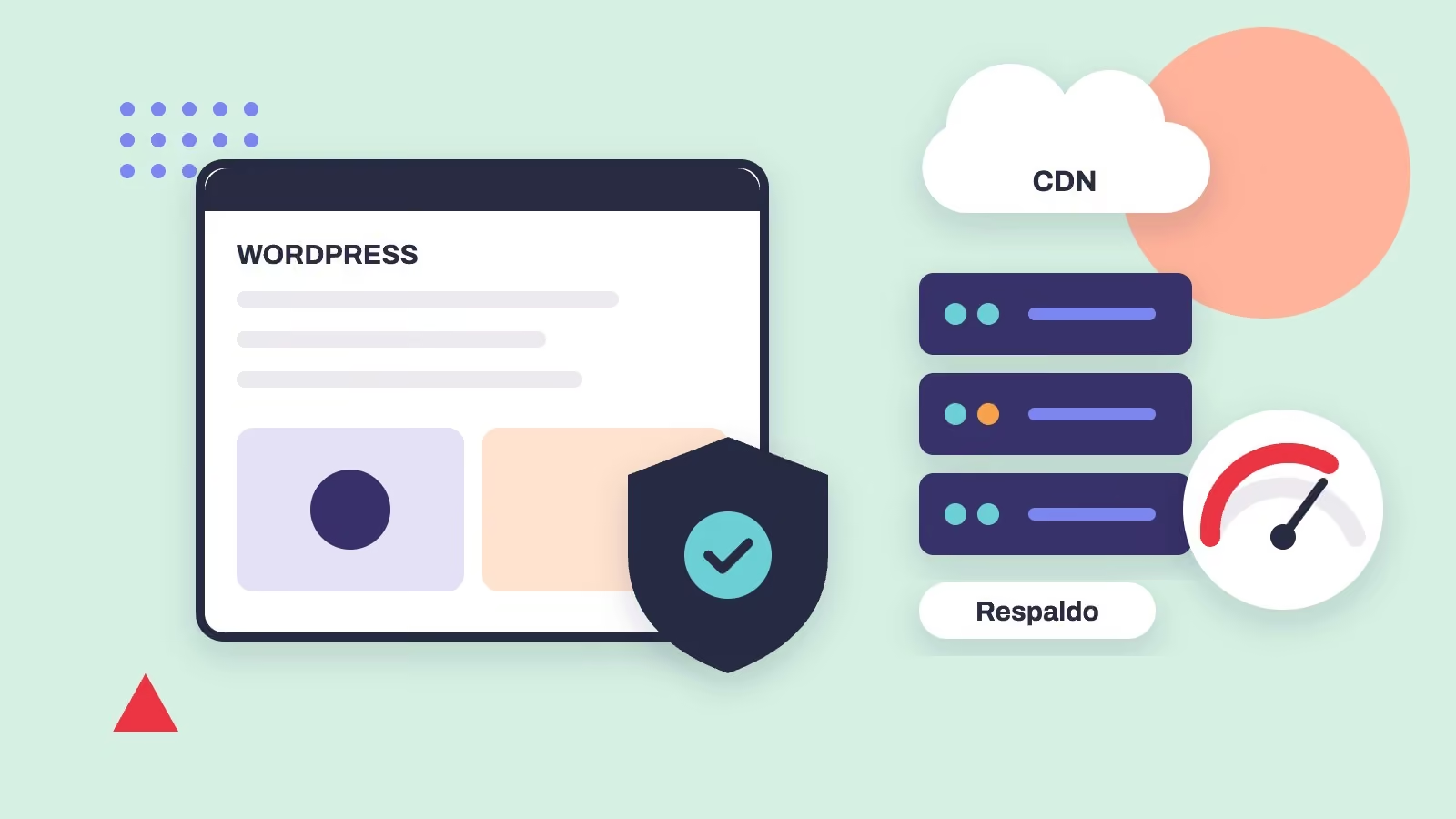
A useful backup includes the files, database, and settings needed to restore the site. Frequency and retention should be based on how much content changes and how much data loss would be acceptable.
A store with daily orders faces different risks than an informational site updated once a month. You also need to confirm that copies are accessible and that there’s a known restore procedure.
A backup file that has never been tested doesn’t automatically mean a guaranteed recovery. Check its integrity regularly, along with a recovery time that’s reasonable for your operations.
Related serviceWeb Hosting & MaintenanceLearn about the service →3. Protect logins, forms, and services
Use accounts with appropriate permissions, multi-factor authentication when available, strong passwords, and clear procedures for revoking old access. Keep certificates and security settings up to date.
Firewalls, bot protection, and monitoring help reduce risk, but they don’t eliminate every threat. On forms, balance spam protection with ease of use for legitimate visitors.
If a vendor manages your DNS, server, CDN, or email, document who’s responsible for what so an incident never ends up without a clear owner.
4. Watch speed without breaking functionality
Optimization can include page caching, a CDN, image compression, critical resources, and a script review. But an overly aggressive approach can delay forms, break sliders, or serve stale content.
In WordPress, it’s important to check results on both mobile and desktop and to review the page once the cache is warm. Look at the largest visible content, layout shifts, and responsiveness to interactions, not just an isolated score.
On stores, exclude sensitive pages and operations from caching when the system requires it, such as the cart, checkout, or user account. These decisions depend on the project’s architecture.
5. Monitor business-critical flows
A home page that loads doesn’t prove everything works. It’s worth regularly testing forms, notifications, payment gateways, sign-ups, site search, and third-party services.
If a store stops sending order emails, the business impact can be real even if the site is still fast. If an association loses its membership form, its operations suffer even if no one reports a visual error.
Define owners, change logs, and an escalation channel that fits the plan you’ve signed up for.
6. Separate maintenance from continuous improvement
Preventive maintenance focuses on preserving functionality, security, and compatibility. Continuous improvement can include new pages, conversion optimization, integrations, UX tweaks, or evolving your content.
Not every task falls under the same fee. Clarify whether your contract covers hosting only, scheduled maintenance, hourly support, or a combination.
This separation lets you plan changes without confusing technical obligations with requests for new development.
7. Put together a realistic continuity plan
Document your domain, DNS, hosting, owners, backups, and admin access. During an incident, knowing where the problem is and who can act reduces uncertainty.
Avoid generic promises of 24/7 support or guaranteed uptime unless there’s an explicit agreement. Service levels and response times should match the actual contract.
Digital continuity is built on prevention, visibility, and clear procedures, not on a list of installed plugins.
At Royale, we offer Hosting and maintenance and technical support for WordPress and WooCommerce, with a scope defined for each project. The goal is to support your site’s evolution after launch, without assuming everyone needs the same infrastructure.