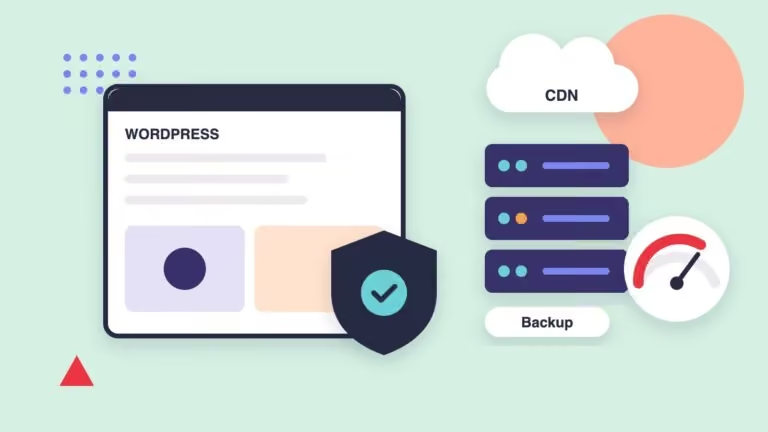
Every second a website takes to load counts. People leave slow pages, especially on their phones, and Google treats the loading experience as one of the signals for ranking results. A fast site sells more, ranks better and comes across as professional.
A website’s speed depends on its hosting, the weight of its images, how much code it loads and how caching is set up; improving it is technical work, but the results are noticeable right away.
1. How to measure your site’s speed
Free tools such as Google’s PageSpeed Insights analyze your page and show the Core Web Vitals, the metrics Google uses to evaluate the experience:
| Metric | What it measures | Target |
|---|---|---|
| LCP (Largest Contentful Paint) | How long the main element takes to appear. | Under 2.5 s |
| INP (Interaction to Next Paint) | How quickly the page responds to a tap or click. | Under 200 ms |
| CLS (Cumulative Layout Shift) | How much elements move around while loading. | Under 0.1 |
Always measure the mobile version: it’s the most demanding and the one your visitors use most.
2. The most common causes of a slow site
- Very heavy images or outdated formats.
- Too many plugins, third-party scripts or fonts loading on every page.
- Overloaded shared hosting, or servers far from your visitors.
- No page caching and no content delivery network (CDN).
- Outdated versions of PHP, WordPress or plugins.
3. What can be optimized
- Images: converting them to modern formats such as AVIF or WebP, at the right size for each screen and with lazy loading.
- Code: loading only the CSS and JavaScript each page needs and delaying non-essential scripts.
- Caching: storing ready-made versions of each page to deliver them instantly.
- CDN: serving files from servers close to each visitor, for example with Cloudflare.
- Server: hosting with enough resources and up-to-date versions of PHP and databases.
4. Speed without sacrificing design
A fast site doesn’t have to look plain. The key is prioritizing what appears first on screen, loading the rest afterwards and measuring every change. Animations, videos and high-quality images can coexist with good results when they’re implemented carefully.
5. It’s ongoing work
Every new plugin, added section or update can change performance. That’s why it’s worth reviewing as part of maintenance, along with security and backups. We explain it in our guide to WordPress maintenance.
Related serviceHosting & MaintenanceLearn about the service →How we do it at Royale Studios
We optimize the speed of the websites we host and maintain: images in modern formats, caching, CDN, selective loading of resources and server tuning, measuring results before and after with the Core Web Vitals.