Coding an idea you haven’t tested is one of the most expensive ways to get it wrong. A prototype lets you see, click through and evaluate an app or website before writing a single line of code, while changes are still quick and cheap.
A prototype is a clickable version of the product used to validate the experience with real users and align the team before development.
1. What a prototype is (and what it isn’t)
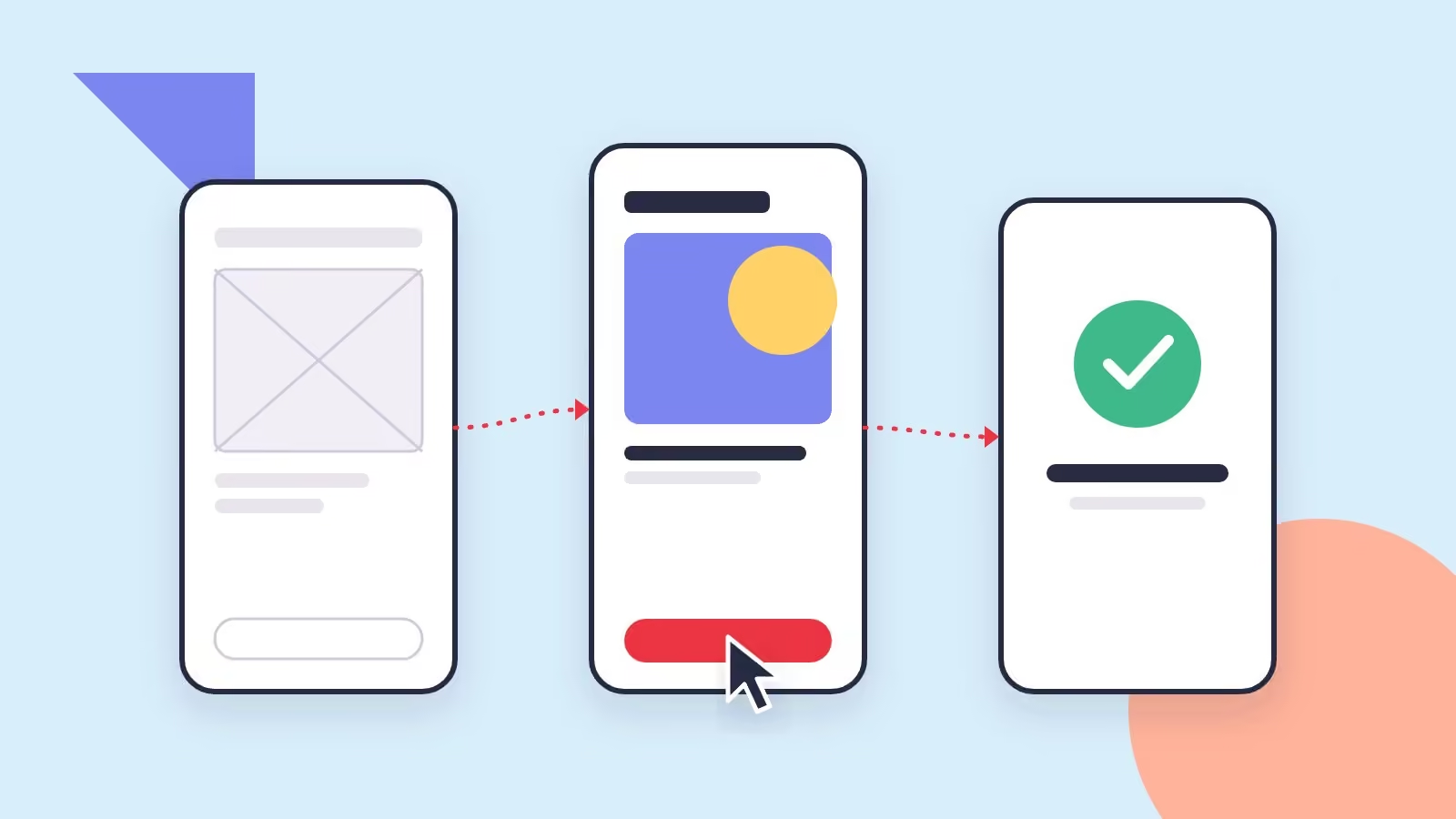
It isn’t a loose sketch or the final product. It’s a simulation with the key screens linked together: you can tap buttons, move through a flow and understand how it will feel to use. It’s built in tools such as Figma and can have different levels of detail.
| Level | What it’s for |
|---|---|
| Wireframes | Defining structure, content and hierarchy without getting distracted by colors. |
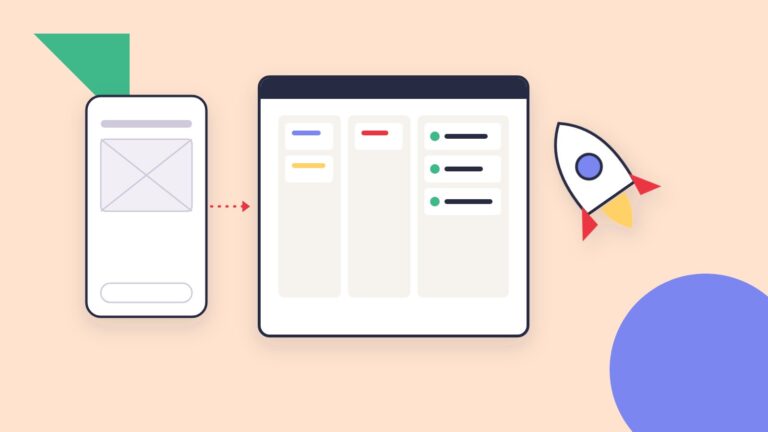
| Low-fidelity prototype | Testing complete flows quickly. |
| High-fidelity prototype | Validating the final design, interactions and micro-animations. |
2. Why it pays to test before coding
- Less rework: moving a button in Figma takes minutes; doing it in code can take days.
- Evidence-based decisions: you see where people get confused instead of guessing.
- A shared language: clients, designers and developers discuss something concrete.
- More accurate budgets: developers estimate better when they can see every screen.
- More convincing pitches: a prototype helps you show the idea to partners or investors.
3. How to test a prototype with users
- Define two or three key tasks, such as “create an account” or “pay for an order.”
- Invite five people similar to your users; with that number most problems already show up.
- Ask them to think out loud while they navigate, without helping them.
- Note where they hesitate, make mistakes or give up.
- Adjust the design and, if needed, test again.
4. What you can prototype
Mobile apps, web platforms, customer portals, checkout flows, long forms, internal dashboards and complete websites. The more complex or expensive the development, the more it’s worth prototyping first.
5. From prototype to development
A validated prototype becomes the development team’s guide: screens, states, components and behavior are all defined. The next step is preparing the design handoff with a component system and clear specs; we explain it in how to hand off your design to your development team.
Related serviceUI/UX & MVPsLearn about the service →How we do it at Royale Studios
We design wireframes and clickable prototypes in Figma, test them with users when the project calls for it and refine them before development starts. That way your team, or ours, builds on an experience that’s already been validated.